iPhone lock screen wallpapers
Your lock screen is the first thing you see, a hundred times a day. Here is how some of orna's wallpapers look with the clock on top, and what to look for.
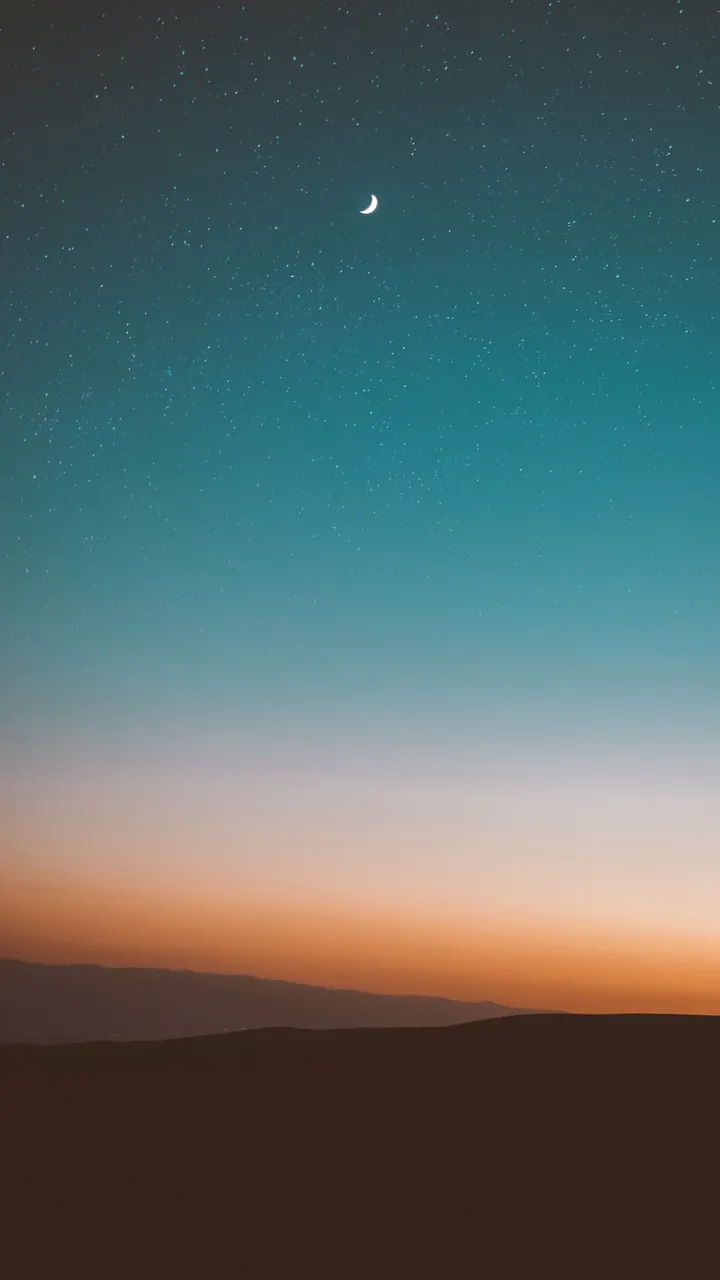
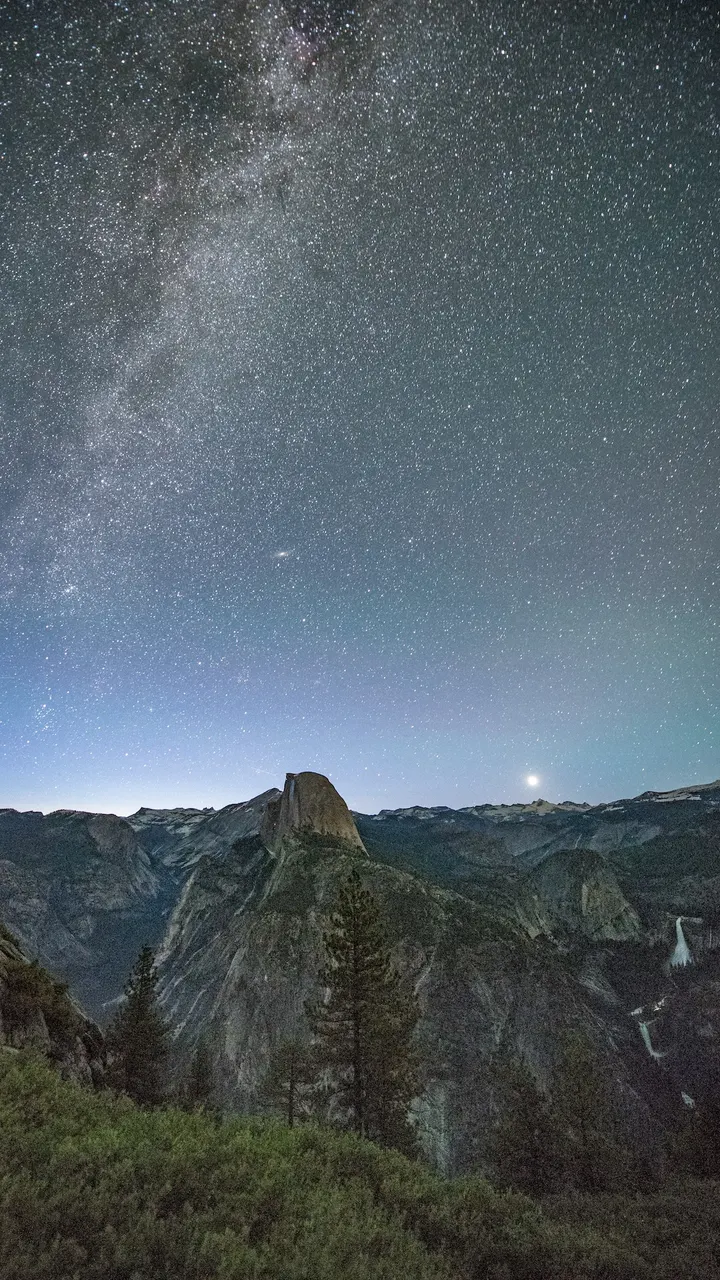

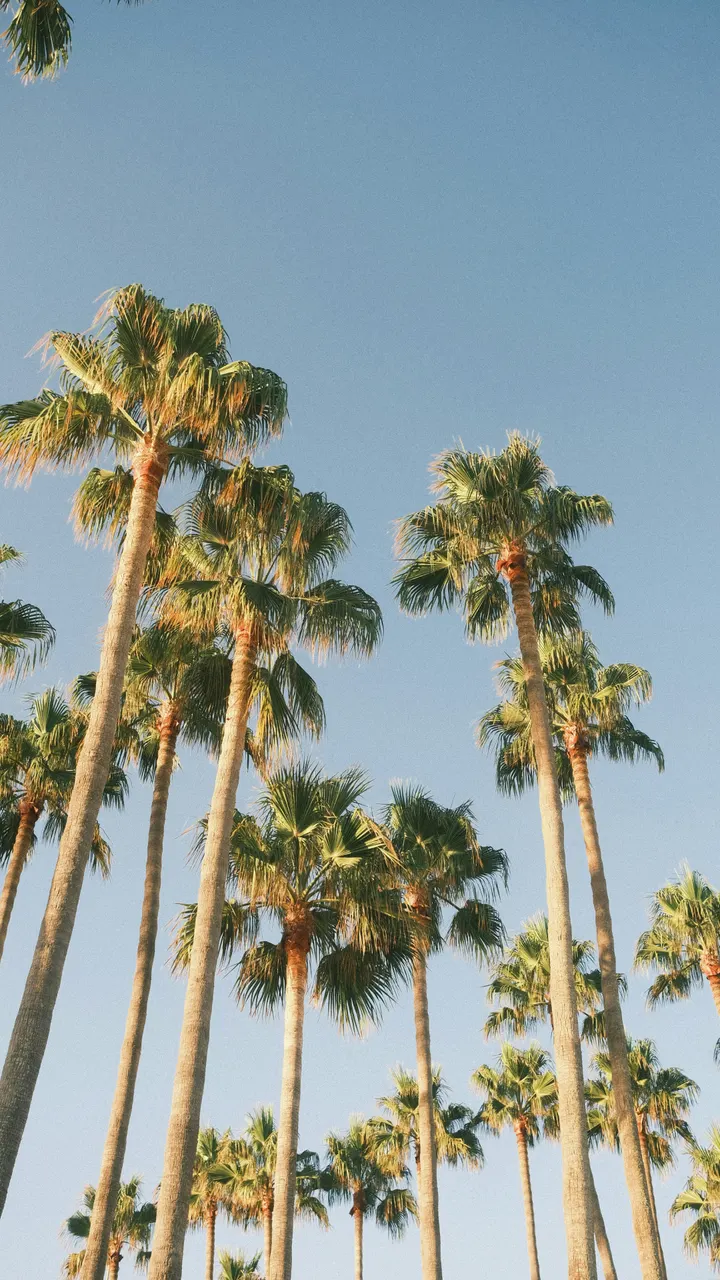
What works on a lock screen
- A calm top third. The clock and date sit there. Sky, fog, water and soft gradients keep them readable.
- A subject lower down. A mountain, a tree or a path in the lower half leaves the top clear and still gives the picture a focus.
- Enough contrast for white text. The lock screen clock is usually white, so mid to dark tones at the top work best; very bright skies wash it out.
- Few busy details. Notifications stack over the middle of the screen, so heavy patterns there get noisy.
Set a wallpaper as your lock screen
- Open orna. Today's three wallpapers are waiting on the home screen.
- Swipe and preview. Tap a wallpaper to see it full screen, the way it will look on your phone.
- Tap Open in Photos. orna saves your pick to your Photos library.
- Share, then Use as Wallpaper. In Photos, tap the share button and choose Use as Wallpaper. Set it as your lock screen, your home screen, or both.
Prefer a new picture every day without searching? orna is a daily wallpaper app: it chooses 3 for you each morning. More ideas in our iPhone wallpapers gallery.
Questions
How do I set a wallpaper on my iPhone with orna?
Open orna, tap a wallpaper to preview it, then tap Open in Photos. In Photos, tap the share button and choose Use as Wallpaper to set it as your lock screen, home screen, or both.
Can orna change my iPhone wallpaper automatically?
iOS does not let apps swap your wallpaper in the background, so orna does the next best thing: it sends a reminder when your new set is ready (every day, every two days or once a week, at 9 am). You choose which of the three to use, in two taps.
What kind of wallpapers does orna have?
Hand-picked photography and design: mountains, forests, oceans and deserts, plants and flowers, architecture, moody night skies, bold abstract and minimal backgrounds. They are made for tall phone screens.

 orna
Download on the App Store
Free for iPhone. Scan the code with your camera or tap the button.