Aesthetic iPhone wallpapers
Hand-picked HD backgrounds for your lock screen and home screen. These are a few of the wallpapers orna sends you; the app gives you 3 new ones every day.
 Free on iPhone
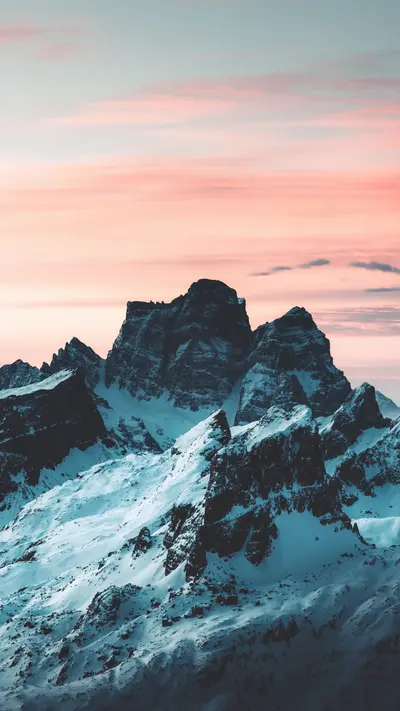
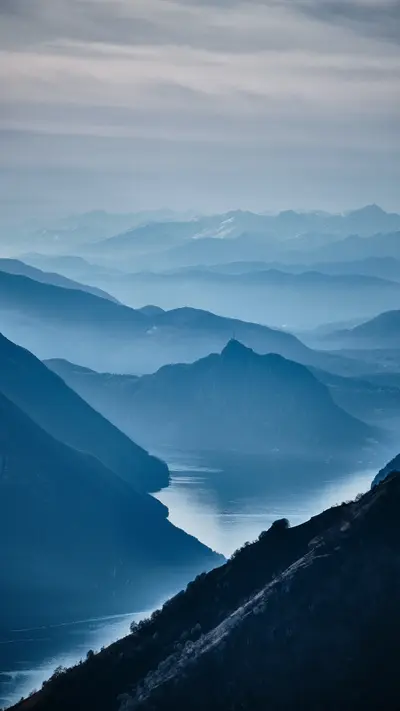
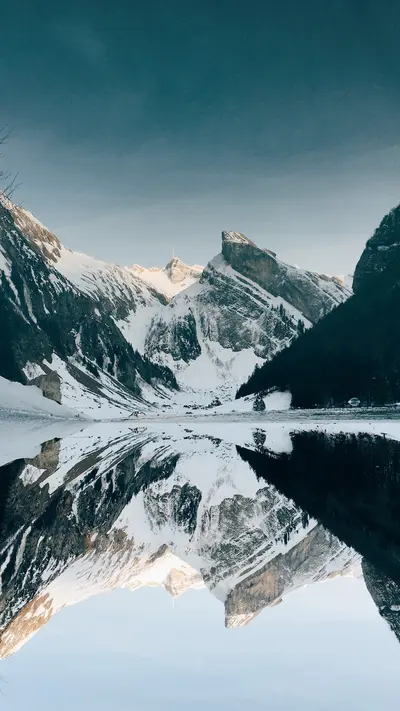
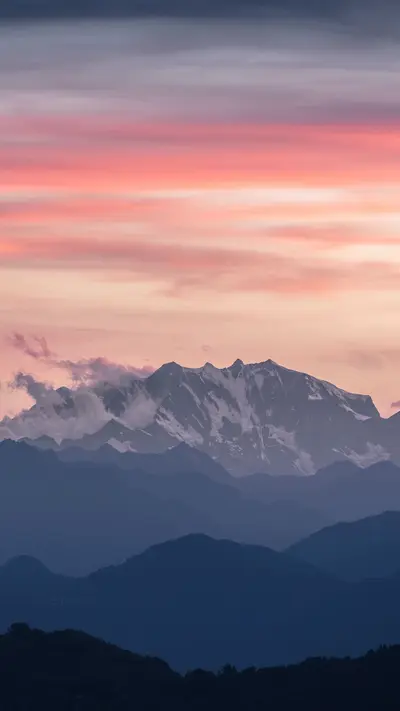
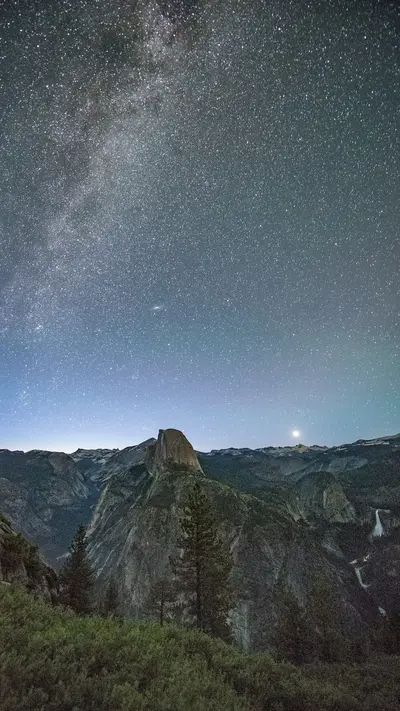
Mountains and lakes
Snowy peaks, blue ridgelines and still water: calm backgrounds that keep your icons easy to read.
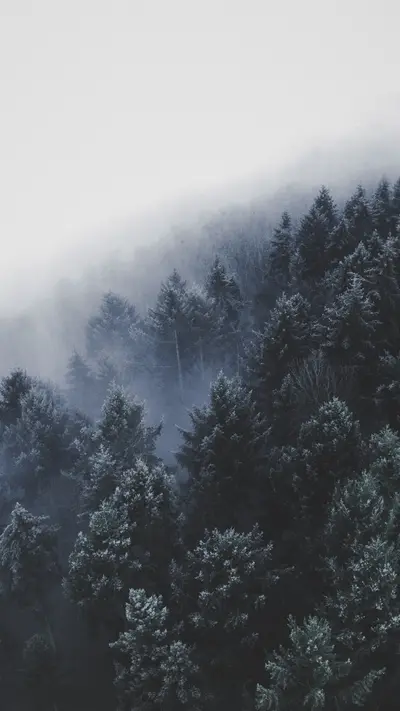
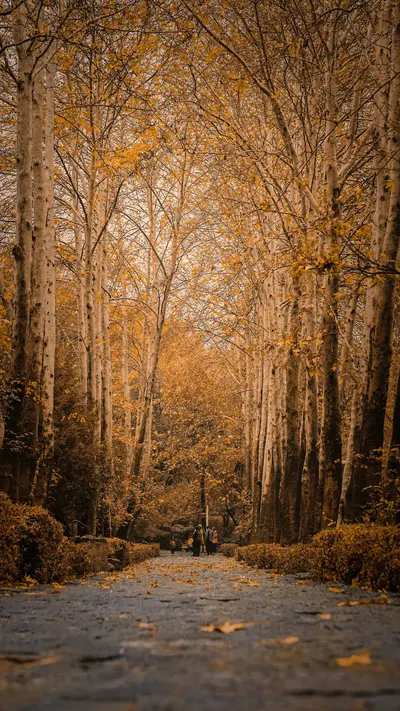
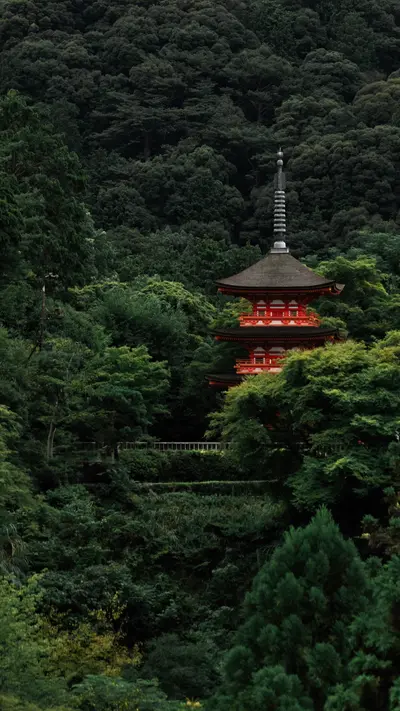
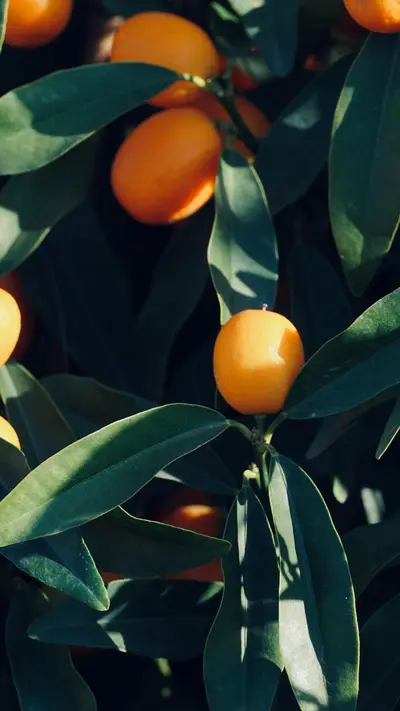
Forests and nature
Fog, autumn light and quiet green. Nature wallpapers for iPhone that feel good to look at all day.
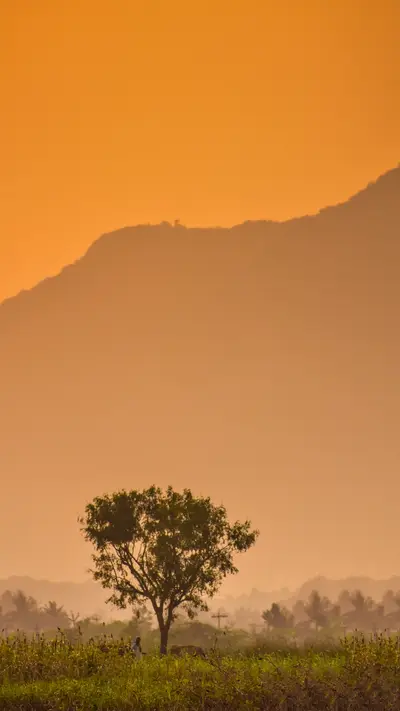
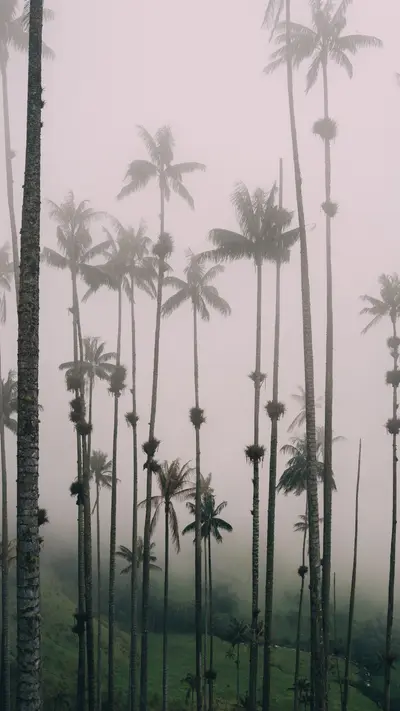
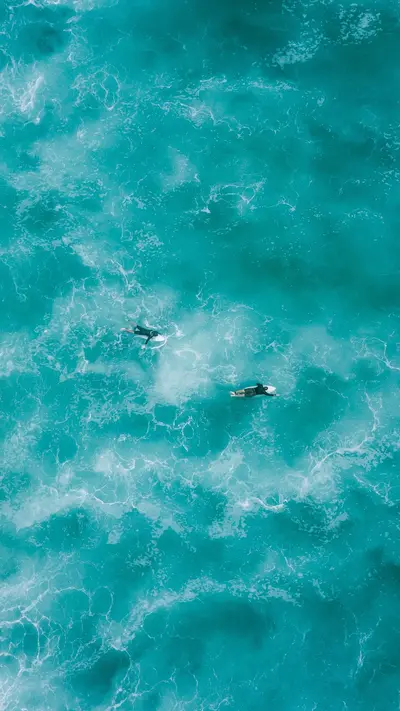
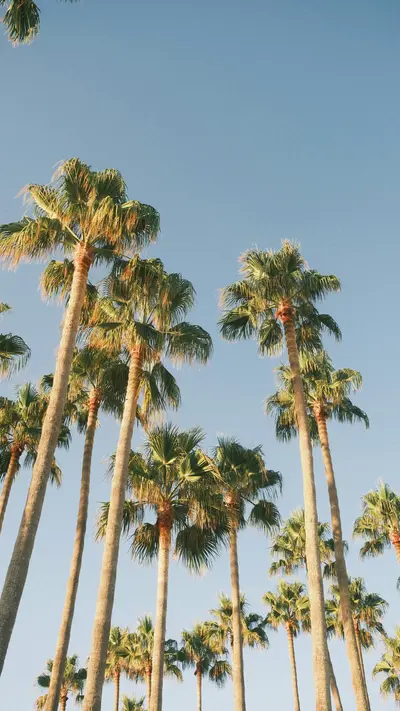
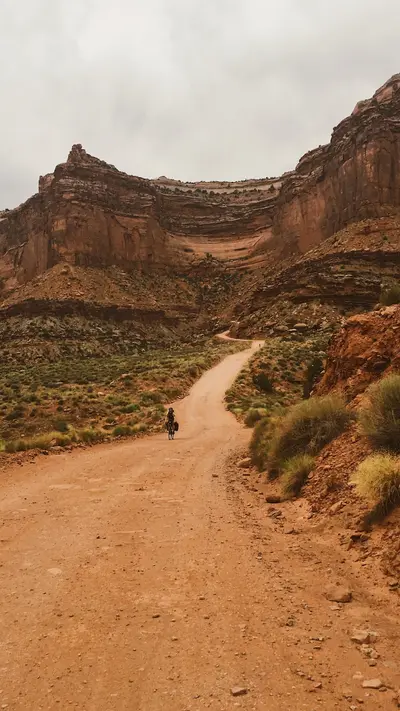
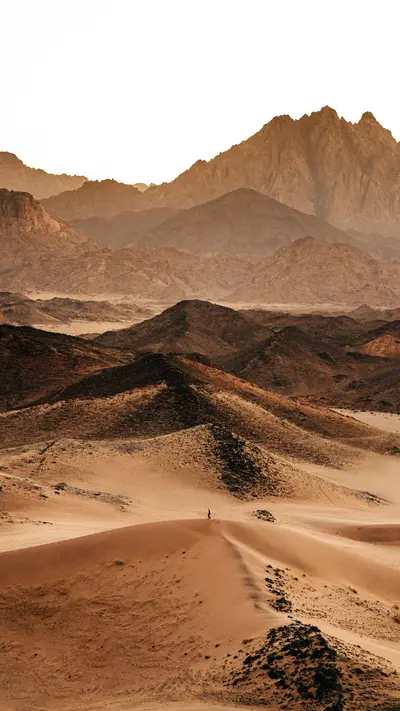
Ocean, beach and desert
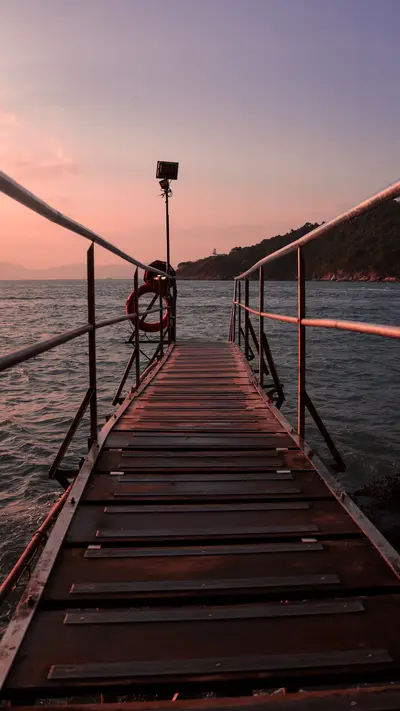
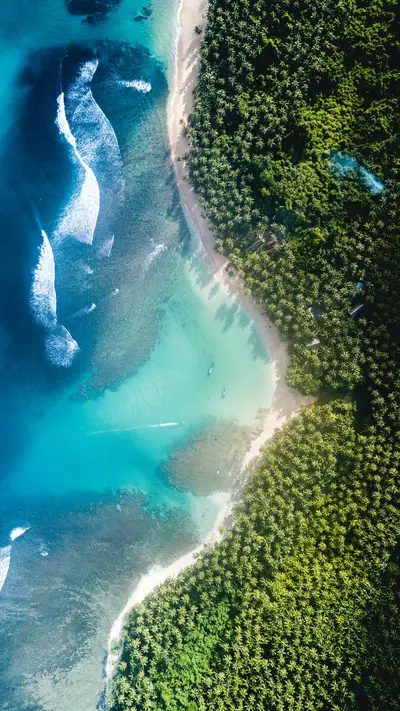
Turquoise water, palm trees, sand dunes and canyons, from above and up close.
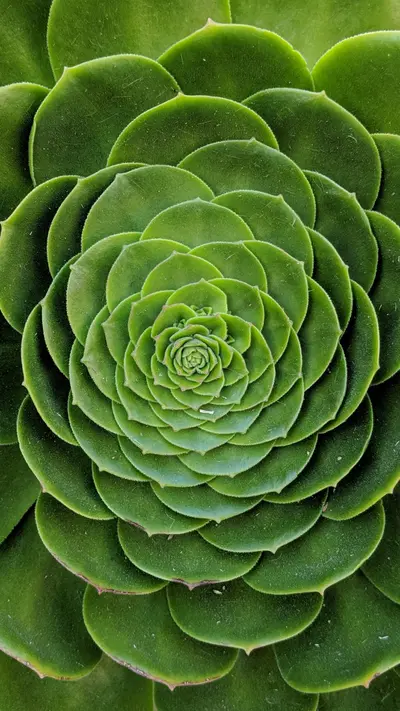
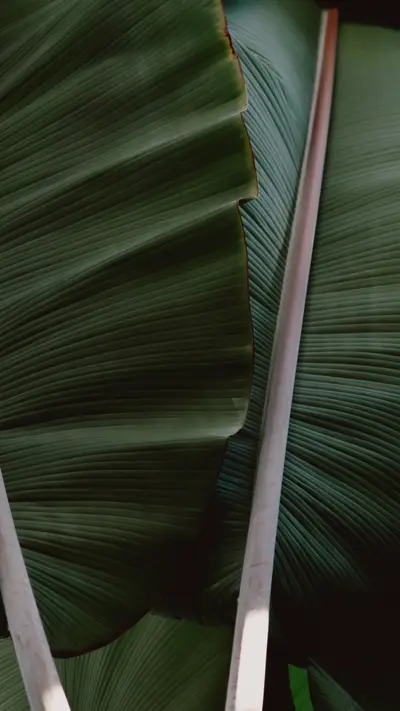
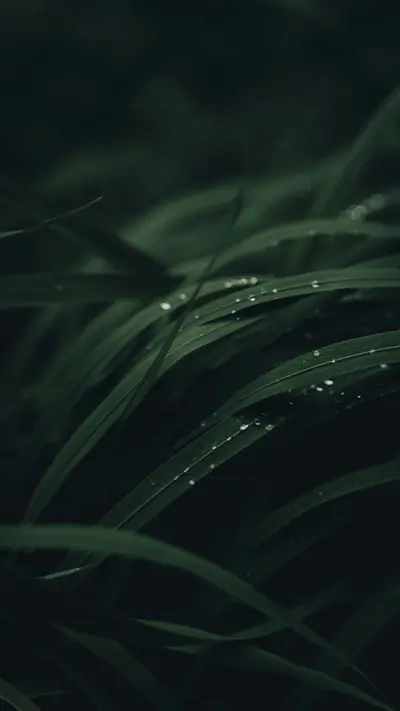
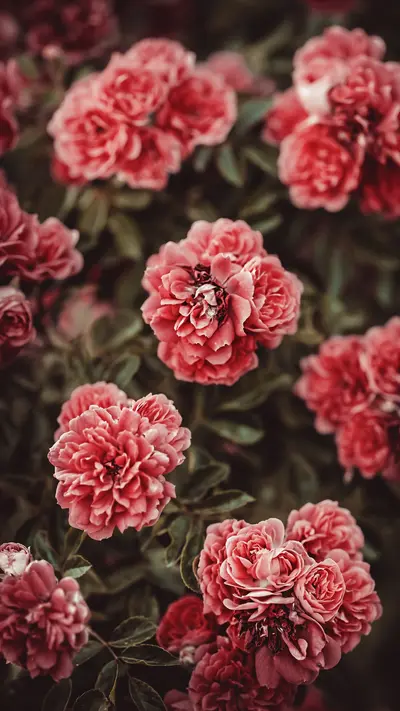
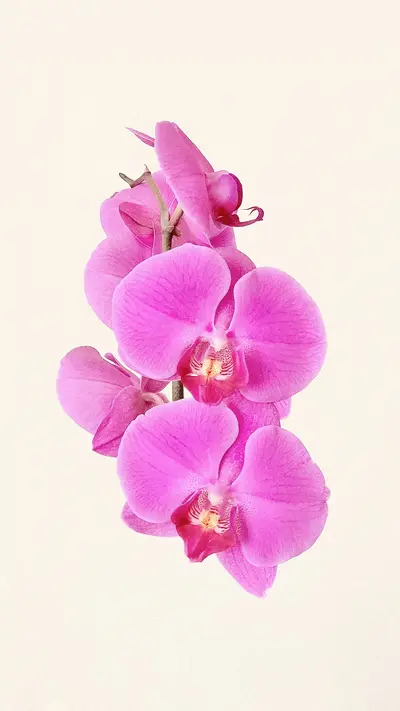
Plants and flowers
Leaves, petals and dew in close-up, with deep colour that makes a lock screen pop.
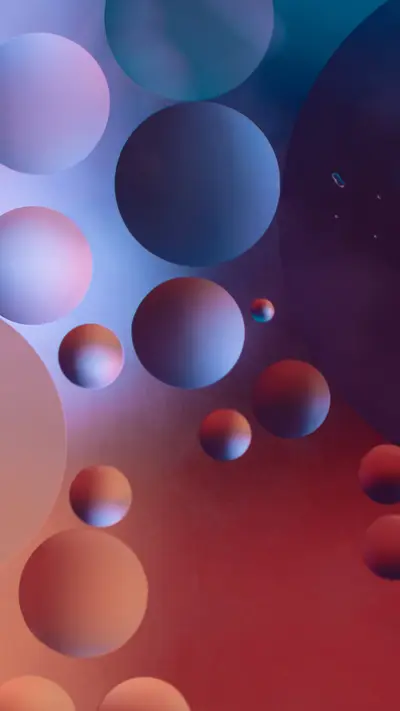
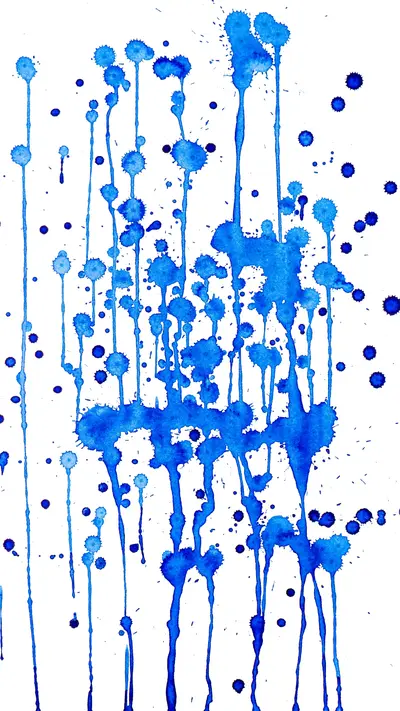
Abstract, design and city
Gradients, patterns and architecture for a cleaner, more graphic home screen.
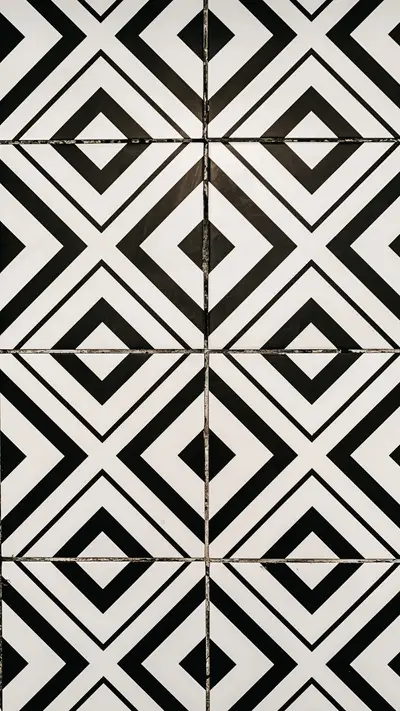
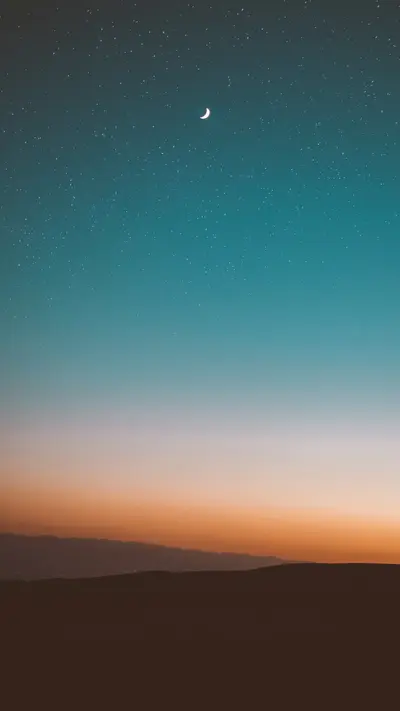
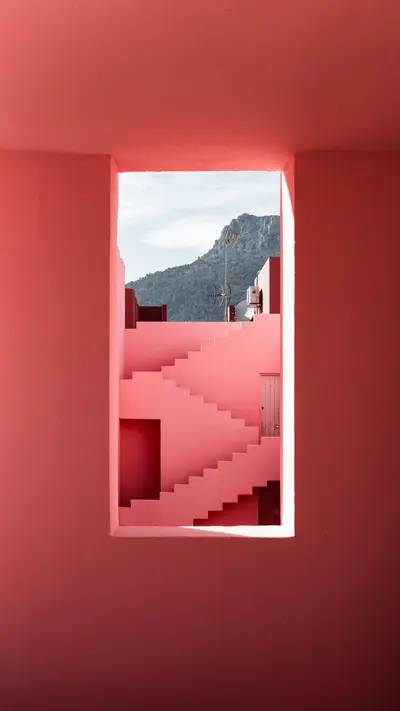
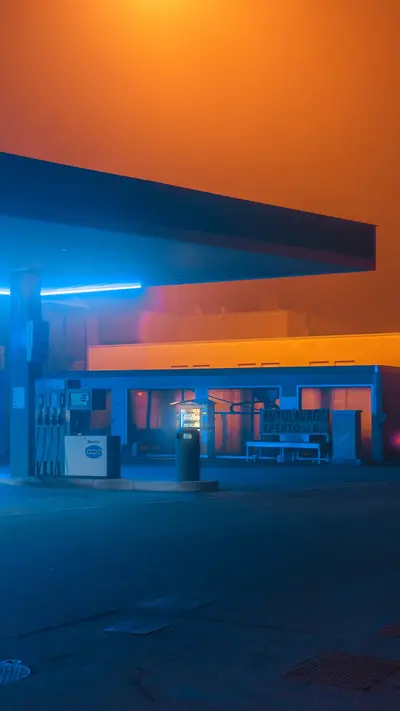
Photos by Aadil Ace, Ben Abo, Casey Horner, Christian Grab, Dan Cristian Padure, Derick Mckinney, Eberhard Grossgasteiger, Fabrizio Conti, Fynn, Greg Rakozy, Ingmar H, James Donaldson, Juniperphoton, Lena Polishko, Martin Rancourt, Meina Yin, Mohammad Alizade, Navi, Neom, Omid Armin, Ouael Ben Salah, Samuel Ferrara, Tamara Bitter, Urip Dunker, Volodymyr M, Willian Justen De Vasconcellos, Zoltan Tasi, via Unsplash.
How to set a wallpaper on your iPhone
With orna it takes four steps and a few seconds:
- Open orna. Today's three wallpapers are waiting on the home screen.
- Swipe and preview. Tap a wallpaper to see it full screen, the way it will look on your phone.
- Tap Open in Photos. orna saves your pick to your Photos library.
- Share, then Use as Wallpaper. In Photos, tap the share button and choose Use as Wallpaper. Set it as your lock screen, your home screen, or both.
Choosing a good iPhone wallpaper
- Mind the top third. The clock sits there on the lock screen, so calm skies, fog and gradients keep it readable.
- Pick a focal point you like in the middle. iOS crops and scales a little when you set a wallpaper.
- Darker images save glare at night, brighter and warmer ones lift a grey morning.
- Match your wallpaper to your icons. Busy photos fight with app icons; minimal or blurred scenes keep a home screen tidy.
Not sure where to start? See our ideas for lock screen wallpapers and aesthetic wallpapers.
Questions
Is orna free?
Yes. orna is free to download and use. Free users see an occasional ad when they save a wallpaper. The optional orna subscription, about the price of a coffee a month, removes the ads and keeps the app going.
How do I set a wallpaper on my iPhone with orna?
Open orna, tap a wallpaper to preview it, then tap Open in Photos. In Photos, tap the share button and choose Use as Wallpaper to set it as your lock screen, home screen, or both.
What kind of wallpapers does orna have?
Hand-picked photography and design: mountains, forests, oceans and deserts, plants and flowers, architecture, moody night skies, bold abstract and minimal backgrounds. They are made for tall phone screens.
Where do the wallpapers come from?
They are photographs and artworks by independent photographers and designers, many of them shared on Unsplash, chosen by hand for how they look on a phone screen.
Will I get the same wallpapers as everyone else?
No. Every install gets its own shuffled order, so the set you wake up to is different from the one your friends get, and you will not see a repeat for months.

 orna
Download on the App Store
Free for iPhone. Scan the code with your camera or tap the button.